
Compress JPG Images Online into KBs
Reduce JPG file size easily while maintaining image quality. Our online JPG compressor helps you optimize photos for websites, emails, social media, and storage without installing any software. Upload your image, adjust the quality and size, compress JPG, and download your optimized image.
Drop JPG Images Here
Upload multiple JPG or JPEG images for fast, browser-based compression.
Preparing images…
Compress JPG Images Online with a Fast JPG Compressor
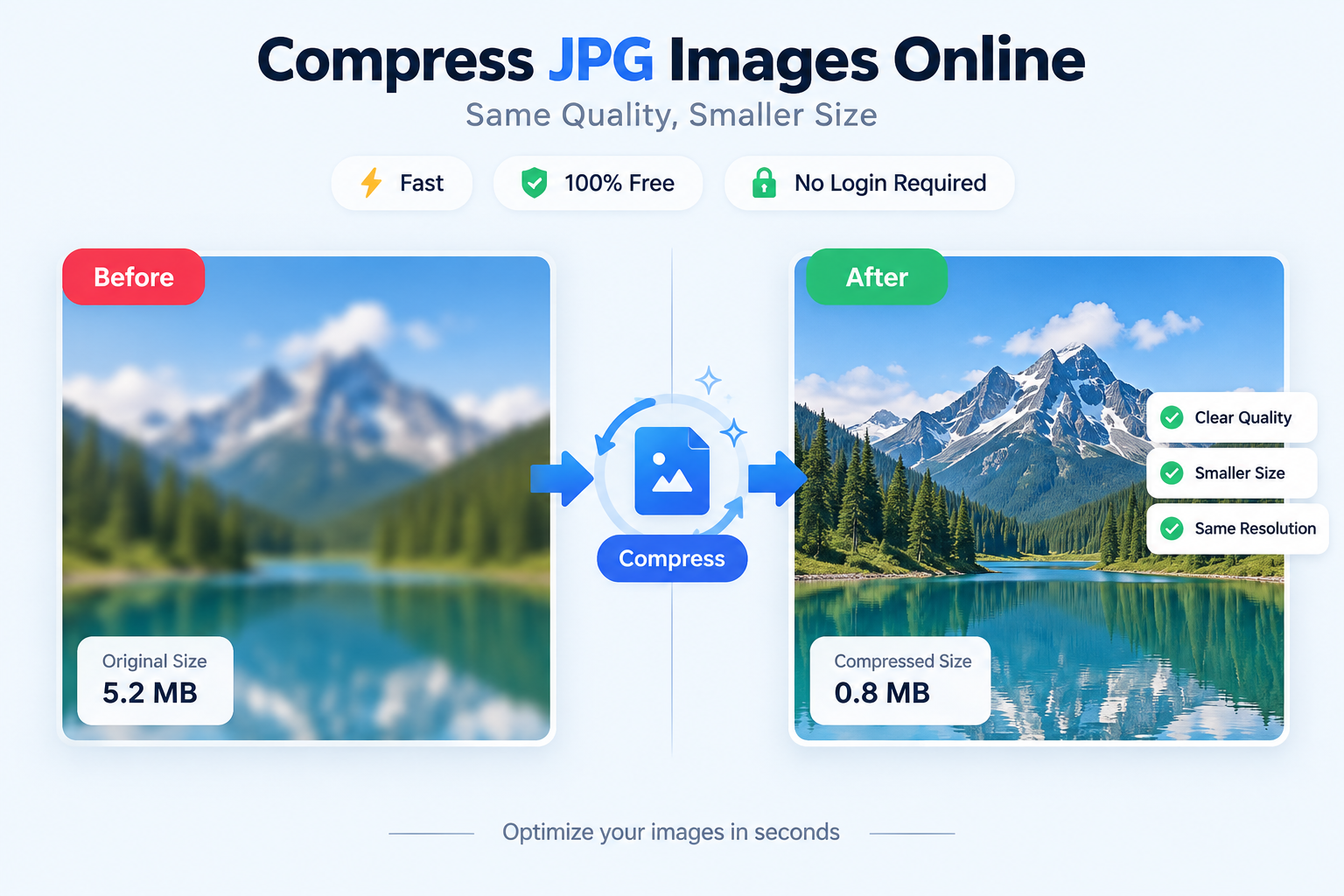
Images are an important part of websites, online stores, blogs, and social media platforms. However, large JPG files can increase loading times, consume extra storage, and create problems when uploading images to different platforms.
JPGJoin.com helps you compress JPG images online quickly while maintaining a good balance between file size and image quality. The tool allows you to reduce large JPG files into smaller, optimized images without complicated editing software.
Whether you want to improve website speed, send images through email, upload photos to online forms, or save storage space, a reliable JPG compressor makes the process faster and easier.
With JPGJoin, you can upload your JPG or JPEG images, choose your preferred compression level, and download optimized files within a few clicks. The simple interface is designed for beginners as well as professional users.
What Is JPG Compression and How Does a JPG Compressor Work?
JPG compression is a process used to reduce the file size of digital images by removing or simplifying image data. It makes images smaller while trying to preserve important visual details.
JPEG files are widely used because they provide good image quality with relatively small file sizes. An online image compression tool can help make these files even more efficient for online use.
A JPG compressor processes image data and applies compression settings based on quality preferences. Higher compression generally creates smaller files, while lower compression preserves more image details.
The right compression level depends on how you plan to use the image. Website images usually benefit from smaller file sizes, while professional photography may require higher quality settings.
Why Compress JPG Files and Reduce JPG Image Size?
Compressing JPG files online can improve website performance by reducing the amount of data browsers need to load. Smaller images can contribute to faster-loading pages and a smoother experience for visitors.
Many online platforms have file size limits for uploads. Reducing JPG size makes it easier to upload images to websites, marketplaces, applications, and social media platforms.
For businesses, optimized images are important because product photos, banners, and marketing graphics can have large file sizes. Image compression helps reduce file sizes while maintaining suitable visual quality.
Using an online JPG image compressor saves time because you can reduce file sizes directly in your browser without installing editing programs or learning complicated tools.
How to Compress JPG Images Online?
Follow these simple steps to compress your JPG images quickly and easily.
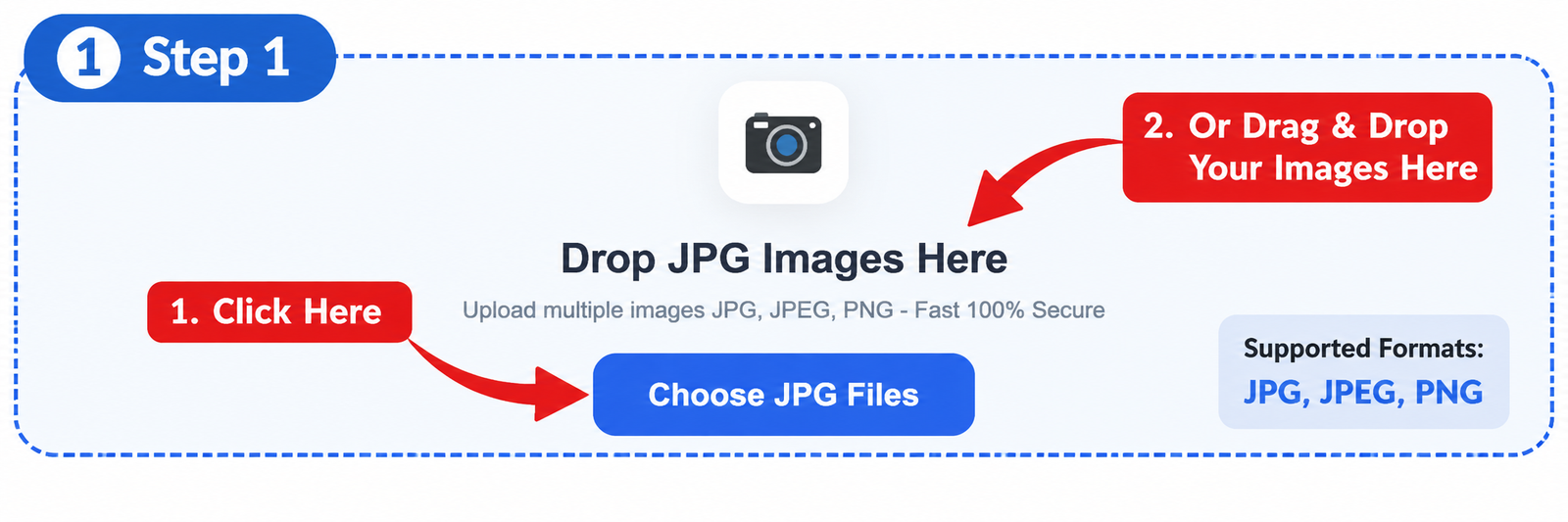
Step 1: Upload Your JPG Image
Start by selecting the JPG image you want to compress. You can upload your photo directly from your device using the JPGJoin upload tool.
The tool supports JPG and JPEG images, allowing you to prepare photos for websites, emails, online applications, and other digital platforms. Depending on the image, compression can reduce file sizes significantly.
Step 2: Choose Compression Settings
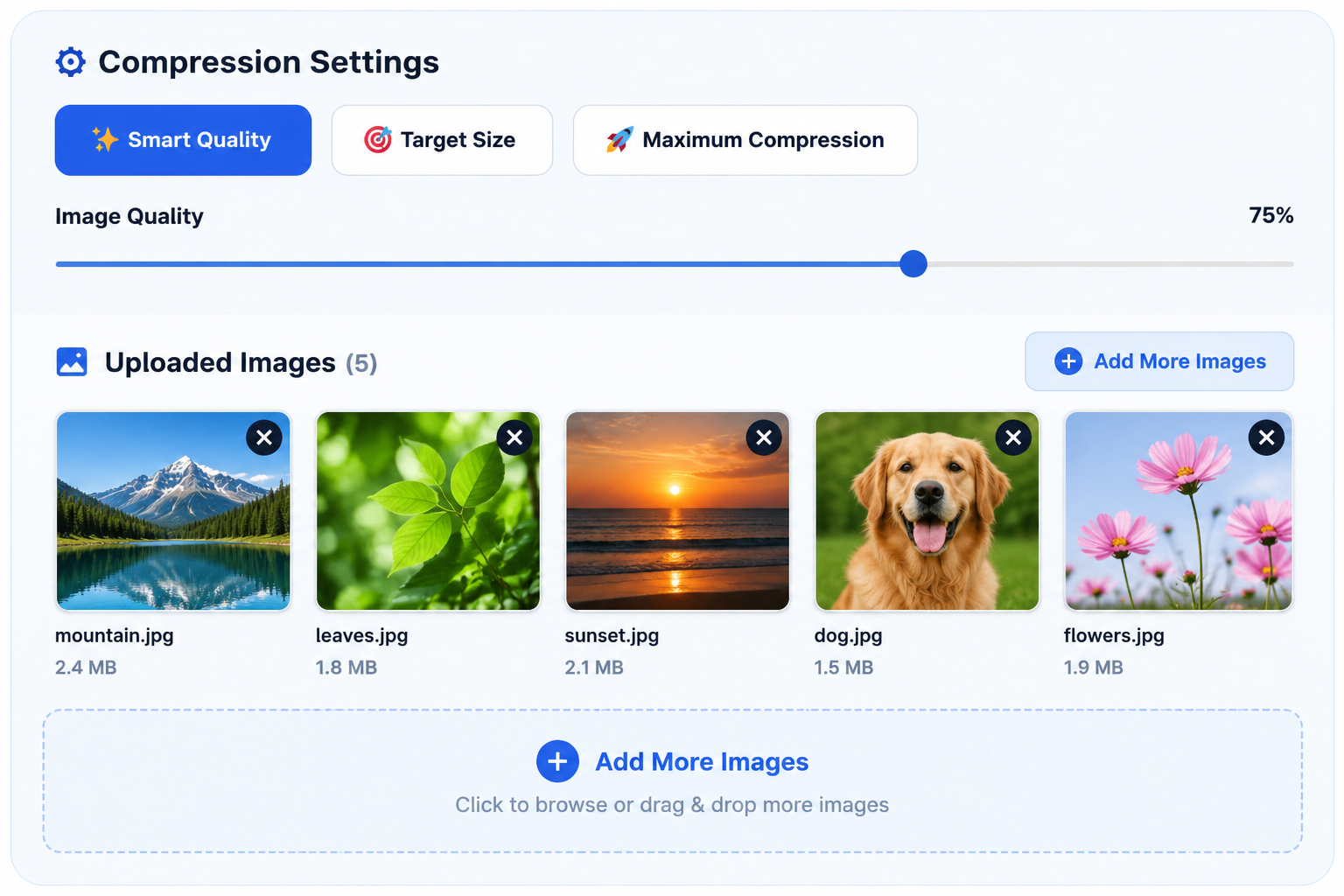
After uploading your images, select the compression settings that suit your needs. You can prioritize image quality or aim for a smaller file size for easier uploads and sharing.
JPGJoin provides compression options to help you balance image clarity and file size. The final size depends on the original image, its content, and your selected settings.
Step 3: Compress and Download Your Image
Once you have selected your settings, click the compress button to optimize your JPG file. The tool creates a compressed version while aiming to preserve good visual quality.
After compression is complete, review the original and compressed file sizes, then download your optimized JPG image.
Compress JPG Without Losing Quality
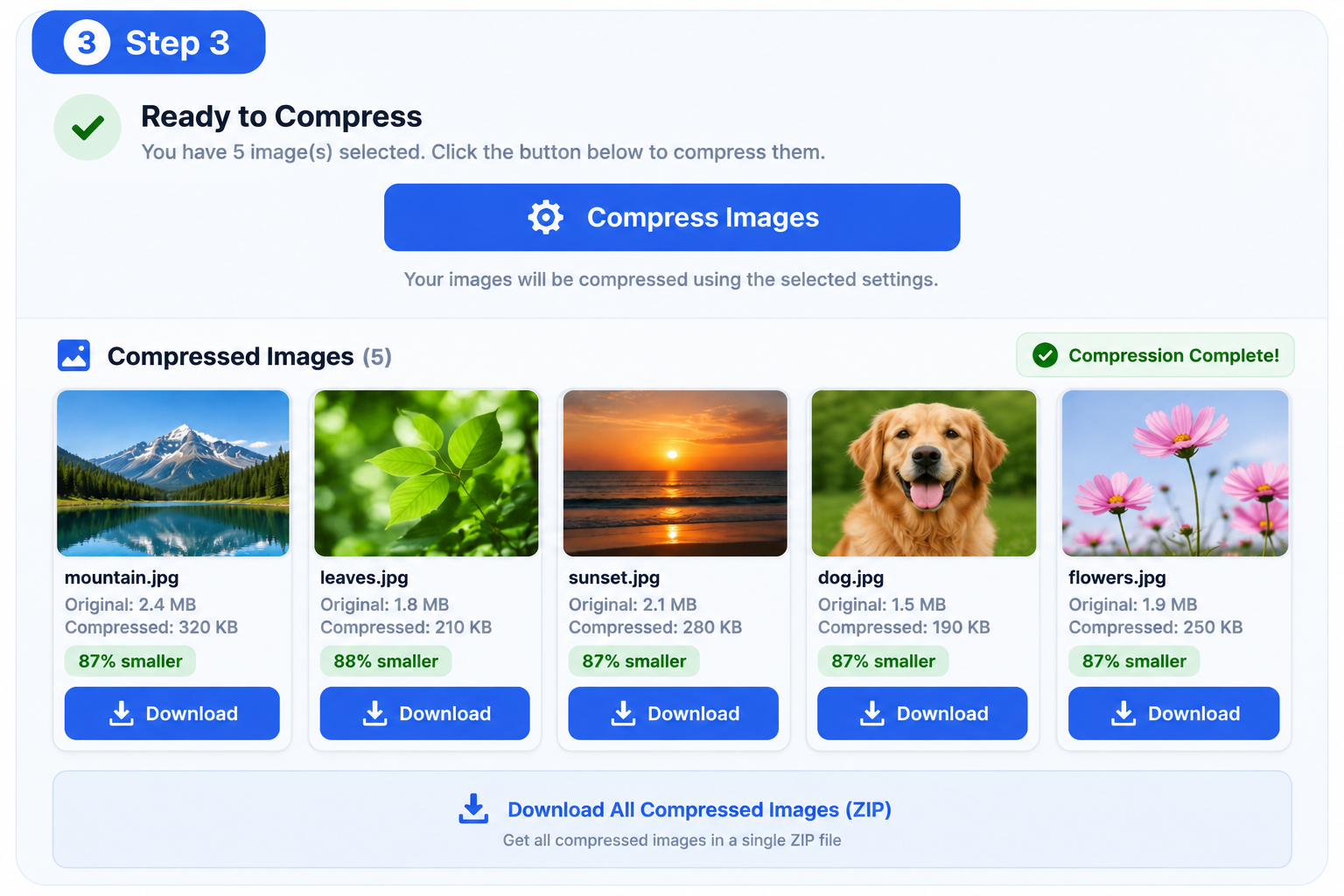
Many users worry that reducing JPG file size will make their images blurry or reduce important details. A good JPG compressor focuses on reducing file size while preserving as much visual quality as possible.
JPGJoin helps you compress JPG images with flexible compression controls. You can choose a suitable balance between a smaller file size and a clear image appearance.
The best compression result depends on how the image will be used. Website images often benefit from smaller file sizes for faster loading, while professional photos may require higher quality settings.
Finding the Right Balance Between JPG Size and Image Quality
Reducing image size too aggressively can affect sharpness, colors, and details. Choosing a balanced compression level helps create optimized JPG files that look good while taking up less storage space.
With JPGJoin’s quality settings, you can control the level of compression applied to your images. This gives you more flexibility when optimizing images for different purposes.
Why Image Quality Matters After JPG Compression
Images are often used to represent brands, products, memories, and important information. Maintaining good visual quality helps your photos look professional after optimization.
Whether you are compressing product images for an online store, photos for a website, or personal pictures for sharing, preserving visual clarity is an important part of the compression process.
Optimize JPG Images for Faster Online Performance
Compressed images are easier to upload, share, and manage. Smaller JPG files can help websites load faster and make digital workflows more efficient.
JPGJoin makes image optimization simple with easy-to-use controls and browser-based compression, helping you create smaller JPG files without complicated editing tools.
FAQs About JPG Compression
How can I compress JPG images online?
You can compress JPG images online by uploading your image to JPGJoin, selecting your preferred compression settings, and downloading the optimized file. The tool reduces JPG file size while aiming to maintain good image quality.
Does JPG compression reduce image quality?
JPG compression can reduce some image details, but choosing the right compression level helps preserve visual clarity. JPGJoin allows you to balance file size reduction with image quality according to your needs.
How much can I reduce JPG file size?
The amount of JPG file size reduction depends on the original image, its resolution, and the selected compression settings. Some images can be reduced significantly while still looking clear.
Can I compress JPG files without installing software?
Yes. JPGJoin works directly in your browser, allowing you to compress JPG files online without installing additional applications or image-editing programs.
Can I choose a specific JPG file size?
JPGJoin provides a target-size option that attempts to bring your compressed image closer to your requested file size. Actual results depend on the image and compression settings, so an exact size is not guaranteed.
Is JPGJoin free to use?
JPGJoin provides a JPG compressor designed to help users optimize images without complicated setup. Check the website for the current availability and terms of use.
Can I compress multiple JPG images at once?
Yes. JPGJoin supports multiple JPG image compression, allowing you to optimize several files in one session and save time when working with multiple images.